Step-by-step configuration
1: Open application Settings on home screen:
2: Click Mails , Contacts, Calendars:

3: Click Add Account:

4: Choose Exchange.
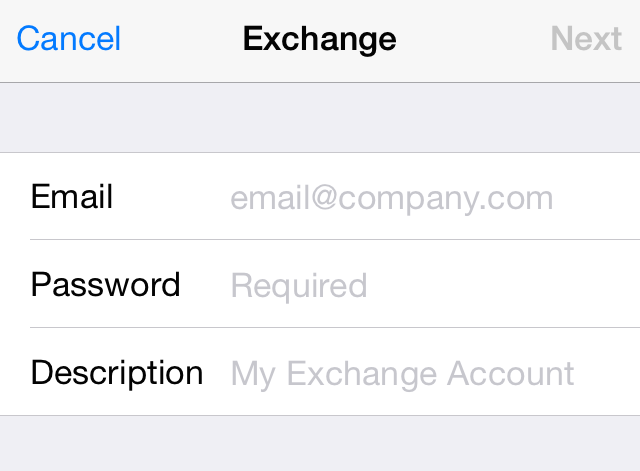
5: Fill up the form with your server address and email account credential
- Email:
your full email address - Password:
password of your email account - Description:
you can type anything here
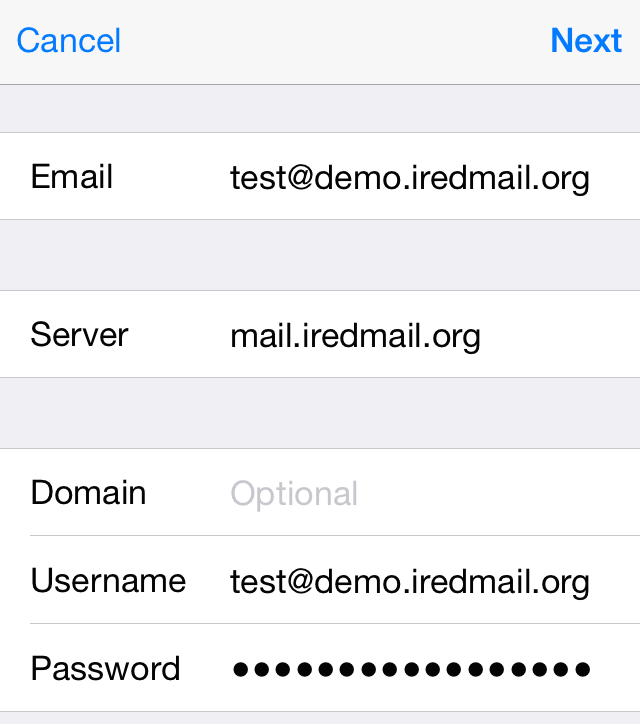
6: If it cannot auto discover server settings, you should fill up the form with server address and username.
- Server:
box.euhostingmail.it - Username:
your full email address
7: Choose items you want to sync to this mobile device:
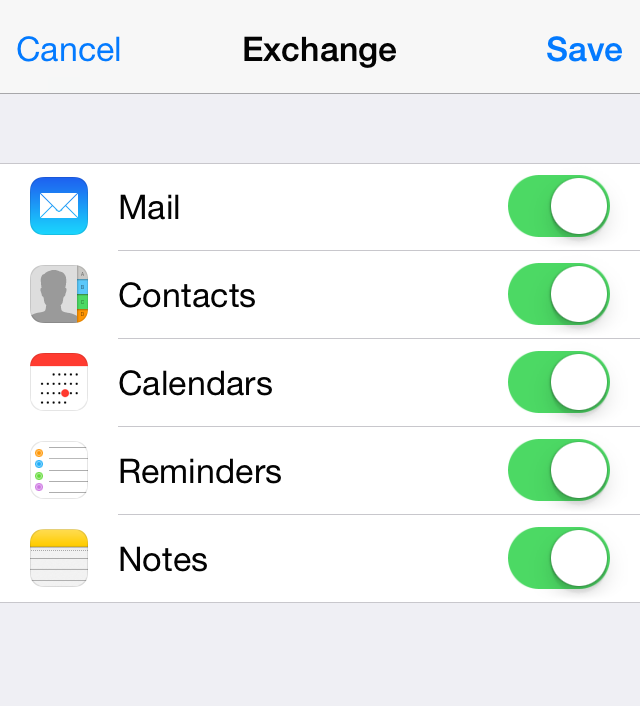
That's all.